Zipcrate
Open ZIP, RAR and 7z files on your Android phone, see what's inside, and extract only what you need. Make your own zips from any files or folder. No ads, no account, and it never asks for access to all your files.
Almost any archive
ZIP, 7z, RAR (including RAR5), TAR, TAR.GZ, GZ, BZ2 and XZ, plus password-protected ZIP and 7z.
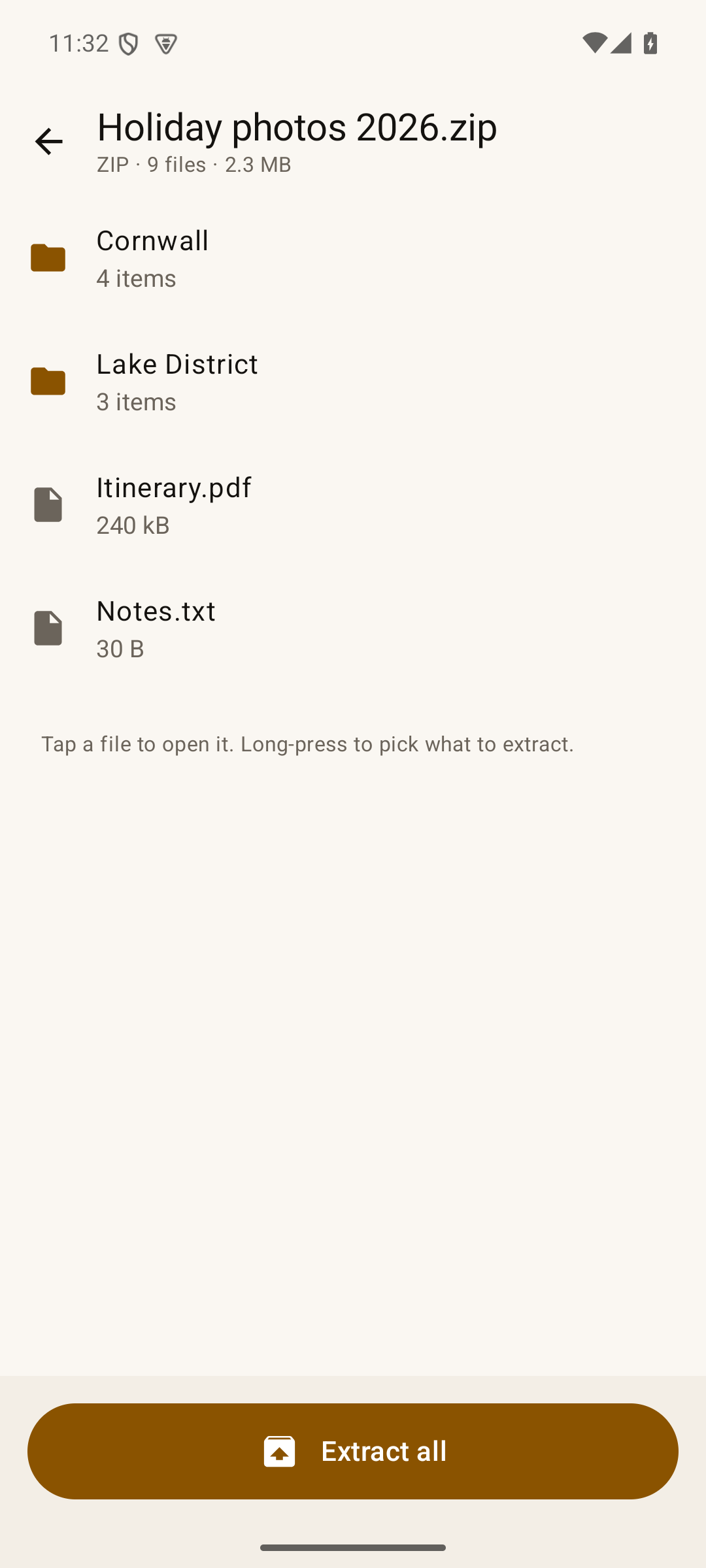
Look before you extract
Browse the folders inside, tap a photo or PDF to open it straight away, or long-press to pick just the parts you want.
Open with Zipcrate
Tap an archive in your file manager, browser or email and choose Zipcrate, or share it to Zipcrate from any app.
Nothing overwritten
Each archive gets its own new folder in Downloads › Zipcrate, or in any folder you choose.
Safe by default
Entries that try to write outside their folder, a known archive trick, and links are skipped rather than written.
Make zips
Pick files or a whole folder, or share them to Zipcrate, then share the finished zip.
Free and Pro
- Free: open, browse and extract every format above, password-protected archives included, and make ZIP files. No ads, no time limit.
- Pro (one payment through Google Play): make 7z archives, password-protect new zips with AES-256, and extract several archives at once.
Where do extracted files go?
Into Downloads › Zipcrate, in a folder named after the archive. Open it from your Files app, or tap Show files when Zipcrate finishes. To use a different place, tap Change under Extract to and pick a folder (Android doesn't allow apps to write straight into the top of Downloads or of your storage, so pick or make a folder inside them).
Troubleshooting
- "Password-protected RAR files can't be opened yet": encrypted RAR support is planned. Encrypted ZIP and 7z work today.
- Split archives (.part1.rar, .z01, .7z.001): not supported in this version.
- Zipcrate isn't offered under Open with: open Zipcrate, tap Open an archive and pick the file instead. Some apps label archives with an unusual file type.
- Game data in Android/data or obb: Android blocks every app from those folders. Zipcrate can extract into a folder you pick, and you can move files from there with a computer.
Switching from ZArchiver or WinZip?
If ZArchiver says it was made for an older version of Android, or won't install on your new phone, see what to use when ZArchiver isn't available.
Privacy
Zipcrate runs entirely on your device. It has no account, no ads and no tracking, and it never sends us your files. See the Zipcrate privacy policy.
Questions or bugs: admin@onibaku.co.uk. We reply within two working days.
ZArchiver, WinZip, RAR and 7-Zip are the property of their owners. Zipcrate is independent and isn't affiliated with or endorsed by any of them. Zipcrate uses libarchive, Apache Commons Compress and zip4j under their open-source licences, listed in the app.